London remains the busiest currency market in the world. The Bank for International Settlements' 2025 Triennial Survey found that UK sales desks handled 38% of global FX turnover, with daily trading worldwide reaching $9.6 trillion. Most of that volume moves between banks. Retail traders occupy a far smaller corner, but they have their own tools,
One of the most prominent names in this field is TradingView, which launched in 2011 as a browser-based charting site.
The company now has over 100 million users in more than 180 countries. For UK forex traders, though, the more useful questions are practical ones: what the charts can actually do, and how the platform connects to a regulated trading account.
What the Platform Offers Currency Traders
Access is the starting point. Charts load in an ordinary browser, with desktop and mobile apps available for those who prefer them. Layouts are saved to the account rather than the device so a chart marked up on a laptop at lunch looks the same on a phone on the Elizabeth line home.
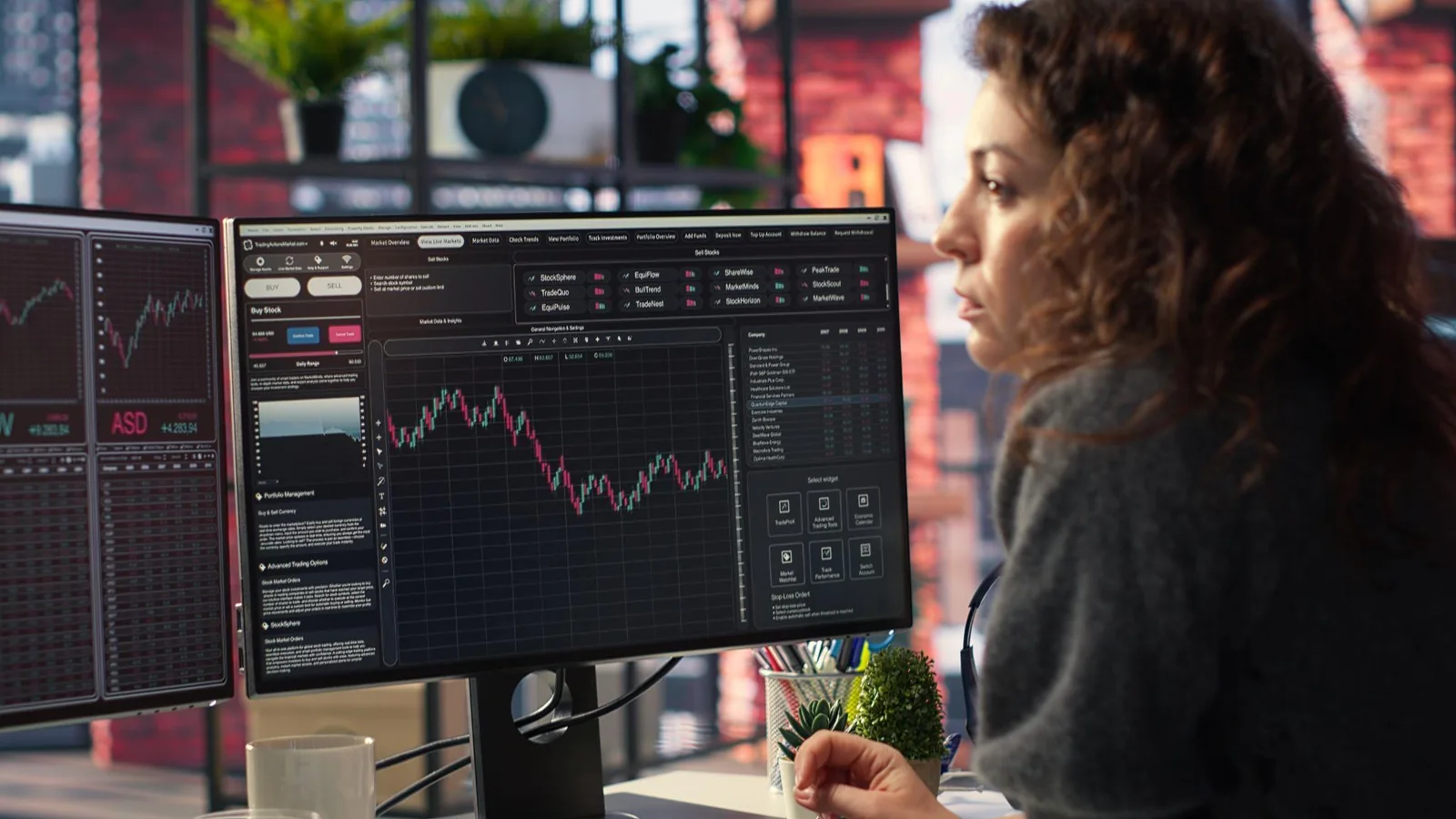
The toolkit is broad: more than 100 built-in indicators, over 12 chart types and upwards of 50 drawing tools. Depending on the subscription, up to eight synchronised charts can sit in a single layout, which helps when comparing GBP/USD on the hourly and daily timeframes side by side.
One of the most useful improvements made to TradingView in recent years was giving traders the ability to trade live through the platform. Through integrations with supported brokers, analysis and order entry can happen in the same window rather than across two separate screens.
Alerts That Work Around a Day Job
Currency markets trade around the clock on weekdays, which can be difficult to monitor alongside a full-time job. Alerts fill that gap. Conditions can be set on price, indicators or strategies, and because alerts run on TradingView's servers, they reach a phone even when the laptop is closed.

Scheduled central bank decisions show why that matters. When the Bank of England's Monetary Policy Committee cut Bank Rate to 5% in August 2024, its first reduction since early 2020, the vote was five to four and sterling fell by around 0.7% against the dollar that day. A trader with a GBP/USD alert already in place would have been notified without watching the announcement live. With eight scheduled MPC decisions a year, that kind of preparation quickly becomes routine.
Test and Build Your Trading Strategies
Pine Script is TradingView's own programming language, used to build custom indicators or adapt scripts shared by other users. The Strategy Tester allows traders to apply a set of rules against historical data and and review the results , Bar Replay lets traders go back to a specific point in historical market data and replay price movements step by step, allowing them to practise analysing and responding to market conditions without knowing what happened next. These tools can help traders develop and test strategies before putting them into practice. However, historical performance cannot predict how a strategy will perform in future market conditions.
How Broker Connectivity Works
TradingView is not a broker. It provides the charts and trading interface, , while the broker holds the account, executes trades and handles client money.
Connecting the two usually takes a few minutes. The trader first opens a live or demo account with a broker that supports the integration. They then open the trading panel beneath a chart, select the broker from the available list and log in to authorise access.
Once connected, positions can be managed directly from the chart. Traders can place bracket orders, adjust stop-loss and profit-target levels, or partially close a position without leaving the interface.
Deposits and withdrawals still run through the broker. The integration is often free, with the broker's standard spreads and commissions applying, while any TradingView subscription is billed separately. Paper trading offers simulated practice, though it may not reflect the real trading conditions of a live, connected account, where slippage, changing spreads or execution delays can occur.
UK Rules Still Apply Through the Broker
Regulation follows the account, not the charting software. Since August 2019, the Financial Conduct Authority has applied permanent restrictions on CFDs sold to retail clients. Leverage is capped at 30:1 on major currency pairs and 20:1 on minor pairs. Firms must also display a standardised risk warning showing the proportion of retail accounts that lose money, and cash incentives to trade are banned.
A UK trader placing orders through TradingView therefore remains subject to the same regulatory protections and restrictions that apply when trading through the broker's own platform. Checking the broker's entry on the FCA Register before authorising the link remains a sensible first step.
Choosing a Plan That Fits
The free Basic plan shows adverts and limits how many indicators and charts fit in a layout. Paid tiers, from Essential through Plus and Premium to the professional plans, increase those limits and add more alerts. Traders can start by pairing the free version with a demo account and upgrade once they know which features they will genuinely use.
Trading style shapes the choice. Someone working the overlap between the London and New York sessions may want several timeframes and fast alerts in view at once. Someone using a medium-term trading strategy, which can involve holding positions for several days, may need far fewer features.
For UK forex traders, the real value lies in having analysis and execution side by side. But the fundamentals remain the same. A clear plan, sensible position sizing and an FCA-authorised broker still count for more than any indicator.